
Your documentation process probably hasn't changed since 2019
Most ops teams still document processes the same way they did five years ago. Someone types up a Word doc, adds some blurry screenshots, saves it to a shared drive nobody can find, and calls it done. Meanwhile, the actual process changes three months later and the doc never gets updated.
AI is starting to fix that. Some of it genuinely works. Some of it is still more demo than reality. Here's an honest look at six things AI can actually do for process documentation right now, what the limits are, and where the real value sits.
How does video-to-SOP generation actually work?
AI can watch a video of a physical process and turn it into a written SOP with steps, screenshots, and formatting, in under a minute.
This is the most useful thing to happen to physical process documentation in years. Not because it's clever, but because it solves a real problem: most floor-level processes are never documented at all. Not because ops managers don't want to document them. Because the barrier is too high.
Think about what traditional documentation requires. You need someone who can write clearly, a camera or screenshot tool, time away from the floor, and a template to fill out. Most frontline managers don't have that bandwidth.
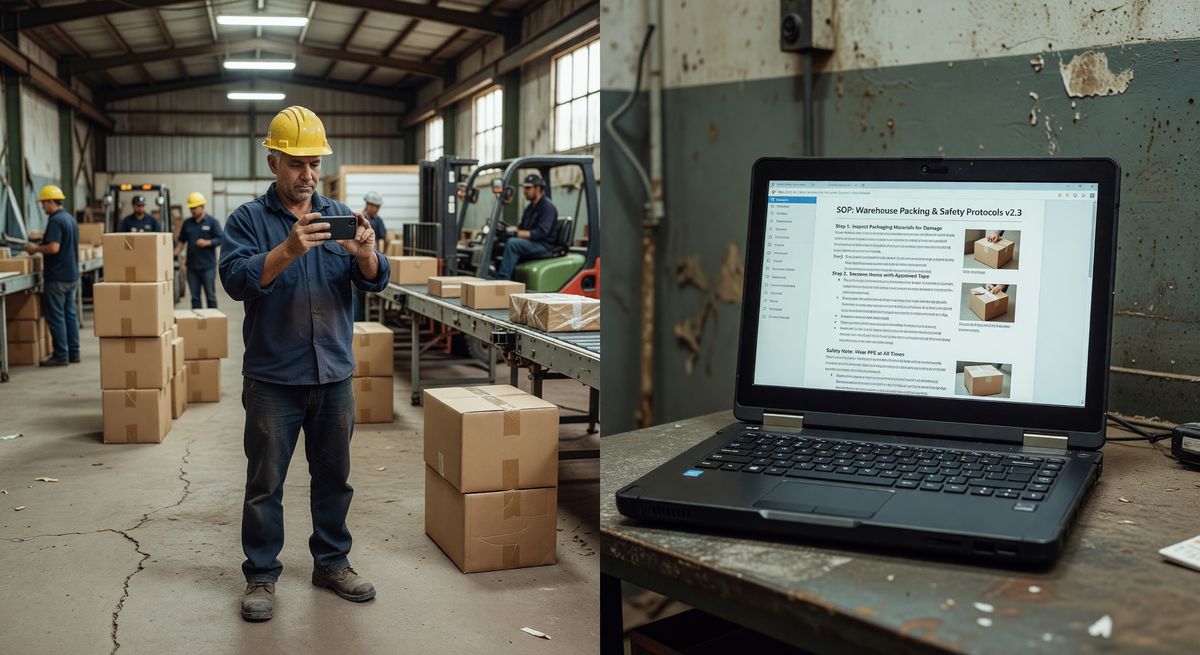
With video-to-SOP tools, you record the process on your phone while doing it or while watching someone else do it. The AI watches the video, detects distinct steps, pulls still frames, and writes descriptions for each one. You get a formatted document you can actually share.
BoFlow does exactly this for physical processes in warehousing, manufacturing, food service, and logistics. You record, it generates. The output includes step-by-step instructions, images, and export options like PDF or QR code so workers can pull it up on the floor without printing anything.
Can AI generate SOPs from screen recordings?
AI screen capture tools can turn a software walkthrough into a written guide automatically, but they only work for digital processes.
Tools like Scribe and Tango do this well. You install a browser extension, record yourself clicking through a software process, and the tool generates a step-by-step document with annotated screenshots. It's genuinely good for onboarding people to software, documenting IT processes, or writing user guides.
But it has a hard limit. It only works on screens. If your process involves moving boxes, operating a machine, preparing food, or anything physical, screen capture tools don't help you. They're built for digital workflows.
Don't confuse screen-based documentation tools with video-based ones. They solve different problems. If your team works in front of computers all day, screen capture tools are worth looking at. If your team works on a production floor, they're not the right fit.
Can AI write SOPs from text prompts alone?
You can type a description of a process into ChatGPT and get a formatted SOP back, but you'll need to verify every single step before using it.
This works. Kind of. If you type "write a 10-step SOP for receiving goods at a warehouse dock," you'll get something that looks like an SOP. The structure is there. Some steps are sensible.
But the content is generic. It doesn't reflect your facility's layout, your equipment, your safety rules, or your team's specific sequence. You'd spend more time editing it than you would writing a basic template from scratch.
Where prompt-based generation earns its place is as a starting point. Give it your process name and a few specifics. Use the output as a rough draft, not a finished document. Teams that try to ship AI-written SOPs without editing them get burned when workers follow instructions that don't match reality.
The honest answer: prompt-to-SOP is useful for ops teams that already have a strong reviewer in place. Without that, it creates more risk than it removes.
Do AI tools automatically update SOPs when processes change?
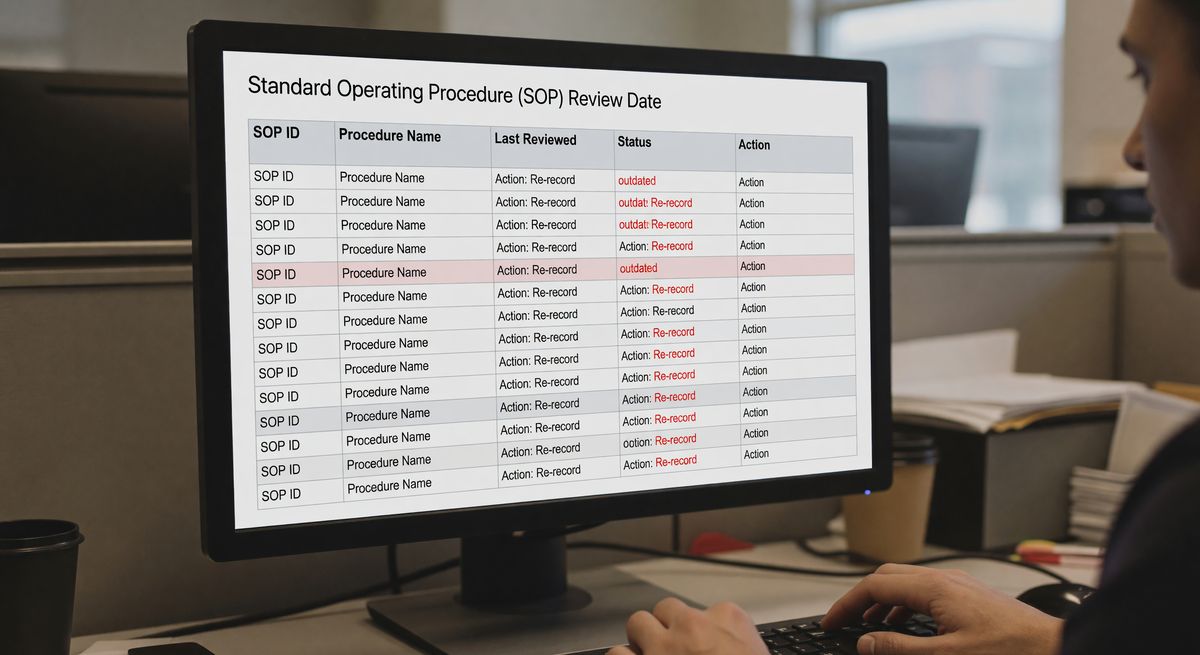
Some AI documentation tools can flag outdated SOPs based on version tracking or process signals, but true automatic updating doesn't exist yet.
This is where a lot of vendors oversell. The pitch sounds good: your process changes, the doc updates itself. The reality is more modest.
What actually works is version tracking with AI-assisted comparison. Some tools can flag when a documented process hasn't been reviewed in a set period, or compare a new recording against an old one and highlight differences. That's real and useful.
What doesn't work yet is a system that detects a real-world process change and rewrites your SOP without human input. The AI doesn't know your process changed unless you tell it, in some form.
The practical move is to tie your documentation review cycle to your change management process. When a process changes, someone re-records the video or updates the steps. AI speeds up the rewrite. It doesn't replace the review.
Can AI documentation tools produce multilingual SOPs?
AI translation built into documentation tools can produce multilingual SOPs in seconds, and accuracy is now good enough for most operational instructions.
This one works better than most people expect. If your warehouse team speaks multiple languages, you used to have two choices: hire a translator or accept that some workers couldn't read your procedures. Both are slow and expensive.
Most AI documentation platforms now include translation as a feature. You write the SOP in English, click a button, and get versions in Spanish, Polish, Portuguese, or whatever your team needs. The translation quality on straightforward operational language is solid. Step-by-step instructions with simple verbs and clear objects translate well.
Where it breaks down is technical terminology specific to your industry or region. Always have a bilingual team member spot-check the output before you publish. Not every translation.
But for a food service operation with team members who speak three different first languages, having accurate SOPs in all three, generated from one recording session, is a real operational advantage.
How is AI being used for compliance monitoring in documentation?
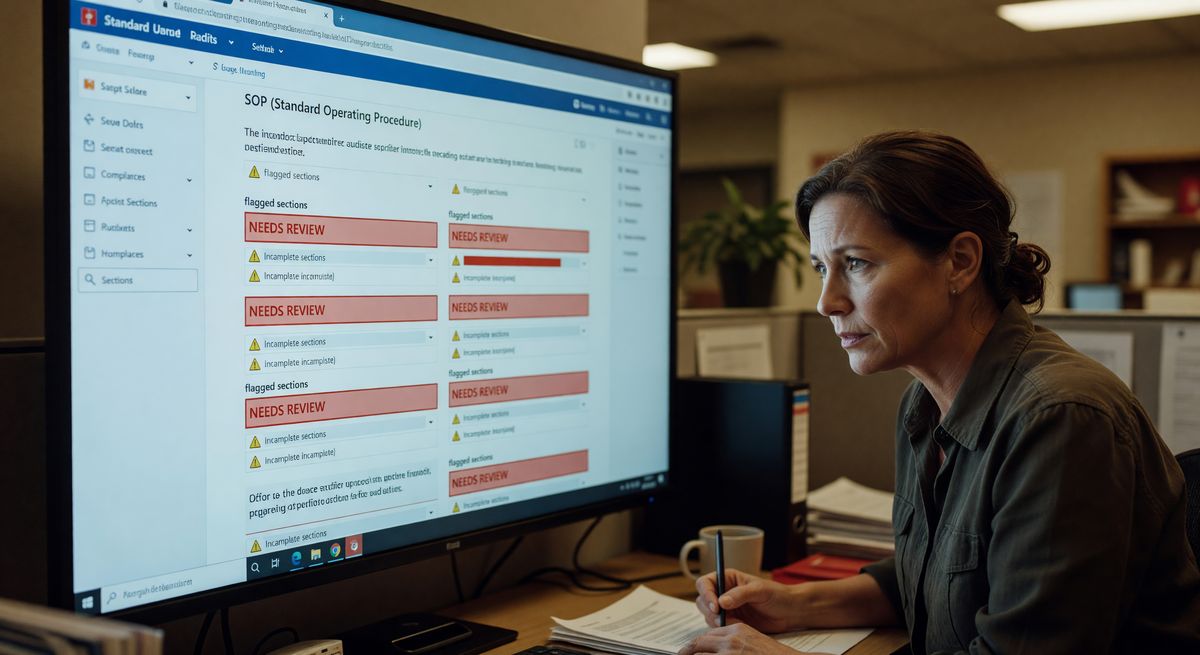
AI compliance tools can scan your SOPs against regulatory frameworks and flag gaps or outdated references, reducing the time your team spends on manual audits.
This is real, but it's mostly relevant to regulated industries. Food safety, pharmaceuticals, medical devices, and similar sectors have specific documentation requirements tied to frameworks like HACCP, ISO 9001, or FDA 21 CFR Part 11.
AI tools in this space do two things. First, they scan your existing documentation for required elements. Missing a critical control point in your HACCP plan? The tool flags it. Second, some can monitor regulatory updates and alert you when your SOPs reference outdated standards.
The limitation is that these tools require your SOPs to be machine-readable text, not scanned PDFs or photos of whiteboards. If your documentation is a mess of file formats, you'll need to clean that up first.
Compliance AI won't write a compliant SOP for you from nothing. But it's a real time-saver for teams that maintain large documentation libraries and face regular audits.
Which AI documentation approach should you actually use?
The right tool depends entirely on where your process lives. Physical processes need video-based tools. Digital processes need screen capture. Both need human review before they go live.
Here's a simple filter. Ask yourself: could someone document this process without leaving their desk? If yes, a screen capture tool or prompt-based generator gets you there. If no, you need video.
For manufacturing, warehousing, food production, and logistics, the answer is almost always no. The process is on the floor, not on a screen. That's where video-to-SOP tools earn their place.
The other thing worth saying: don't try to use all six of these approaches at once. Pick the one that fits your biggest documentation gap. Get it working. Then add more.
Most ops teams we talk to have the same core problem: processes exist in people's heads, not in documents. If that's your situation, start with video. Record the process. Get the doc out. You can worry about compliance scanning and automatic updates once you actually have documentation to work with.
FAQ
What is AI process documentation?
AI process documentation uses artificial intelligence to automatically generate, format, and maintain written procedures from inputs like videos, screen recordings, or text prompts. It replaces manual writing with AI-assisted generation, reducing the time to create SOPs from hours to minutes.
Can AI create SOPs from videos of physical processes?
Yes. Tools like BoFlow let you record a physical process on your phone and automatically generate a step-by-step SOP with screenshots and descriptions. This is specifically built for hands-on processes in warehousing, manufacturing, and food service.
How accurate are AI-generated SOPs?
Accuracy depends on the input and the tool. Video-based SOPs that capture the actual process are more accurate than prompt-generated ones written from scratch. All AI-generated SOPs should be reviewed by someone who knows the process before being shared with workers.
Are AI documentation tools GDPR compliant?
Some are, some aren't. Check where your data is stored and processed. BoFlow, for example, runs on EU servers in Germany and is built to meet GDPR requirements. If your team is in Europe, this matters and you should ask vendors directly.
How much do AI SOP tools cost?
Pricing varies widely. Some tools like BoFlow offer a free tier for small teams, with paid plans starting around EUR4.99 per month for up to 10 team members. Enterprise compliance and translation tools tend to cost significantly more.
What's the difference between Scribe and video-based SOP tools?
Scribe and similar tools capture on-screen actions for software documentation. Video-based tools like BoFlow capture physical, real-world processes via phone camera. Use Scribe for software walkthroughs. Use video-based tools for anything that happens on a factory floor, in a kitchen, or in a warehouse.