
What Does Good SOP Software Actually Do for a Warehouse?
Good SOP software gets your processes out of someone's head and onto a page your whole team can follow, fast.
Most warehouses run on tribal knowledge. The guy who's been here 12 years knows exactly how to process a return, stage a pallet, or handle a damaged shipment. But when he calls in sick, everything slows down. SOP software fixes that. It turns what people know into documented steps anyone can follow.
The problem is there are a dozen tools claiming to do this, and they're not all built for physical warehouse work. Some are screen-capture tools that only work on computers. Some are built for HR onboarding. Some are so complicated your supervisors will ignore them.
This post covers 9 tools honestly. What they do, what they cost, who they're best for, and where they fall short.
Which SOP Software Tools Are Worth Using in a Warehouse?
The 9 tools most worth looking at for warehouse operations are Scribe, Trainual, Process Street, SweetProcess, Whale, Tango, Clueso, BoFlow, and Dozuki. Each one solves a different problem.
Some are better for digital workflows. Some handle physical processes. Some work great for small teams. Some need an IT department to set up. Let's go through them one by one.
Scribe
What it does. Scribe records your screen and automatically builds a step-by-step guide with screenshots. You install a Chrome extension, hit record, click through a process, and it spits out a doc.
Pricing. Free plan available. Pro starts at $23/seat/month. Teams plans from $12/seat/month with a minimum.
Best for. Warehouses that do a lot of work in a WMS, TMS, or any other software. If you need to document how to process an order in your system, Scribe is fast.
Pros. Genuinely fast. A process that would take an hour to document takes five minutes. The output looks clean and shareable.
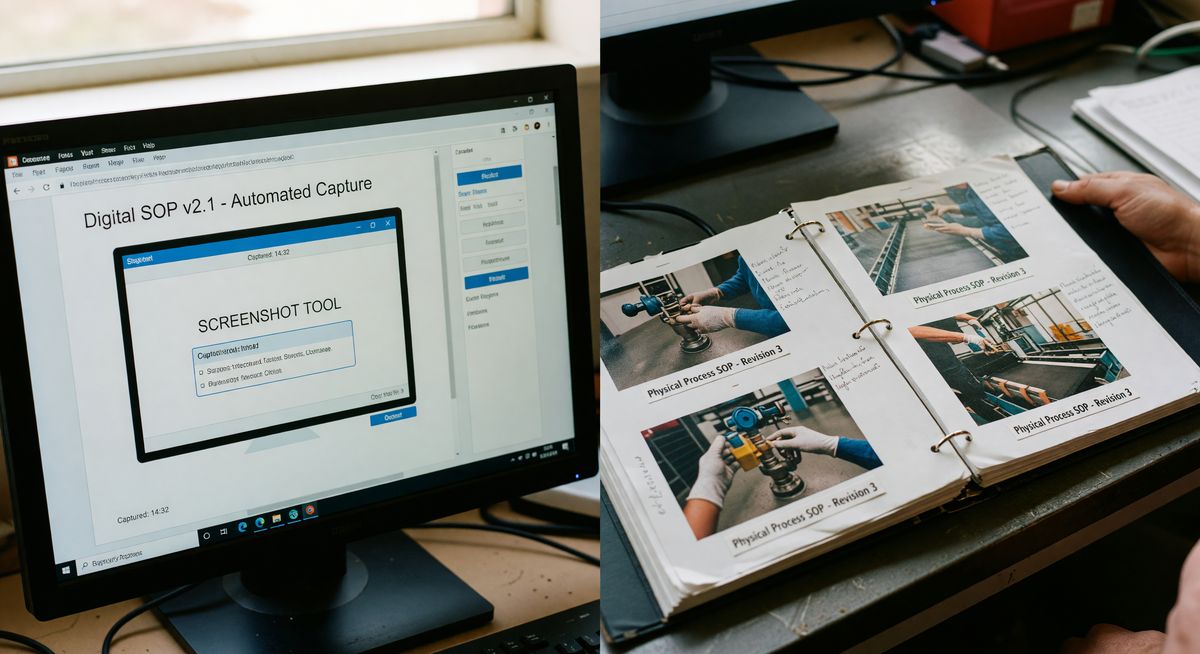
Cons. It only captures what happens on a screen. Walk me through physically loading a truck or labeling a pallet and Scribe can't help you. That's a real limit in a warehouse where most of the important work happens on the floor, not in a browser.
Trainual
What it does. Trainual is a training and knowledge base platform. You build SOPs, assign them to roles, track who's completed what, and run tests to check comprehension.
Pricing. Starts at $299/month for up to 25 people. Scales from there.
Best for. Warehouses that are growing fast and need a structured onboarding system. If you're hiring 20 people a quarter, the tracking and accountability features justify the cost.
Pros. Strong role-based organization. Good quiz and testing features. Feels like a proper learning management system.
Cons. Expensive for smaller operations. Creating content inside Trainual is slow. You're typing out steps manually, which means it only gets used if someone makes the time to build it properly. Most ops teams don't have that time.
Process Street
What it does. Process Street turns your SOPs into interactive checklists. Your team opens a workflow, checks off steps as they go, and you can see progress in real time.
Pricing. Starts at $100/month for a small team. Business plans around $415/month.
Best for. Warehouses that need repeatable checklists for things like shift startup, equipment checks, or receiving inspections.
Pros. The checklist and workflow automation features are genuinely good. You can add conditional logic so a checklist changes based on what someone selects. That's useful for exception handling in a warehouse.
Cons. Building the initial processes takes time. And if your team isn't used to following digital checklists, adoption is a fight. The interface can feel like a project management tool, not an operations tool.
SweetProcess
What it does. SweetProcess lets you document procedures, link them into policies, and assign tasks to team members. It's a traditional SOP platform with a clean layout.
Pricing. $99/month flat for unlimited users. That's one of the better pricing models on this list.
Best for. Small to medium warehouses that want one place for all their written procedures without paying per seat.
Pros. Flat-rate pricing is a real advantage. Unlimited users means you don't punish yourself for growing. The process documentation is solid.
Cons. It's text-first. You can add images and videos, but the tool doesn't help you create them. You're still stuck writing everything out manually. No AI, no shortcuts.
Whale
What it does. Whale is a knowledge management and training tool. It surfaces the right procedure to the right person at the right time using browser and app integrations.
Pricing. Starts around $100/month. Enterprise pricing on request.
Best for. Operations teams that want SOPs to appear automatically when someone opens a specific software tool or page. More relevant for office or hybrid roles than pure floor operations.
Pros. The context-aware delivery of SOPs is genuinely clever. If someone opens your WMS, the right SOP pops up without them having to search for it.
Cons. The smart delivery only works in a browser context. Again, not much help on a warehouse floor where people aren't sitting at computers.
Tango
What it does. Like Scribe, Tango records your screen and generates step-by-step walkthroughs with annotated screenshots. It's built for software training docs.
Pricing. Free plan available. Pro at $16/user/month. Business pricing on request.
Best for. Documenting how to use your warehouse software, ERP, or order management system. Good for training staff on digital tools.
Pros. The output quality is high. Annotations are clear and customizable. Cheaper than Scribe per seat.
Cons. Same core limitation as Scribe. It's a screen capture tool. It doesn't capture physical work. Don't buy it thinking it'll help you document how to pick, pack, or stage freight.
Clueso
What it does. Clueso uses AI to turn screen recordings into polished how-to guides and training videos. You record, it cleans up the footage, adds captions, and writes the steps.
Pricing. Starts at $29/month. Teams plans available.
Best for. Warehouses that want video-based SOPs for software training. Better fit for customer service or admin roles connected to warehouse ops.
Pros. The video output is better than Scribe or Tango if you want video, not just screenshots. Good for training that needs to feel more engaging.
Cons. Still screen-based. And video training has real limits on a busy warehouse floor. Most workers aren't watching a 4-minute video before they pick an order.
BoFlow
What it does. BoFlow is different from the screen-capture tools. You record a video on your phone of a physical process, and the AI automatically breaks it into numbered steps with screenshots. It's built for work that happens away from a computer.
Pricing. Free plan (2 SOPs). Pro at €4.99/month for up to 10 team members.
Best for. Warehouse managers who need to document physical processes fast. Receiving, packing, labeling, returns handling, equipment operation. If it happens on the floor, BoFlow can capture it.
Pros. The phone-based capture is the right tool for physical work. No typing required to get a first draft. Exports to PDF with QR codes so you can print and post SOPs at the right station. Run sheet checklists built in. Hosted on EU servers in Germany, which matters if you're dealing with GDPR requirements.
Cons. The free plan is limited to 2 SOPs, which isn't enough to fully test it. Pro pricing is per month with a 10-person limit before you move up. Not the right tool if your entire SOP need is documenting how to use software.
Check out how BoFlow works for warehouses if you want to see the video-to-SOP process in action.
Dozuki
What it does. Dozuki is purpose-built for manufacturing and industrial work instructions. It handles complex, multi-step processes with version control, compliance tracking, and multi-language support.
Pricing. Enterprise pricing. Expect to pay $500/month or more depending on team size. You'll need to request a quote.
Best for. Large warehouses or distribution centers with serious compliance requirements. If you're in a regulated industry and need version control, audit trails, and formal sign-offs, Dozuki is worth the cost.
Pros. The most purpose-built tool on this list for industrial operations. Version control is excellent. Multi-language support helps with diverse workforces. Strong compliance features.
Cons. Expensive. The setup takes real time. Smaller operations will find it overkill. You're paying for features you may not need for 5 years.
How Do You Pick the Right SOP Tool for Your Warehouse?
The right SOP software depends on what type of processes you need to document and how big your team is.
Ask yourself three questions before you decide.
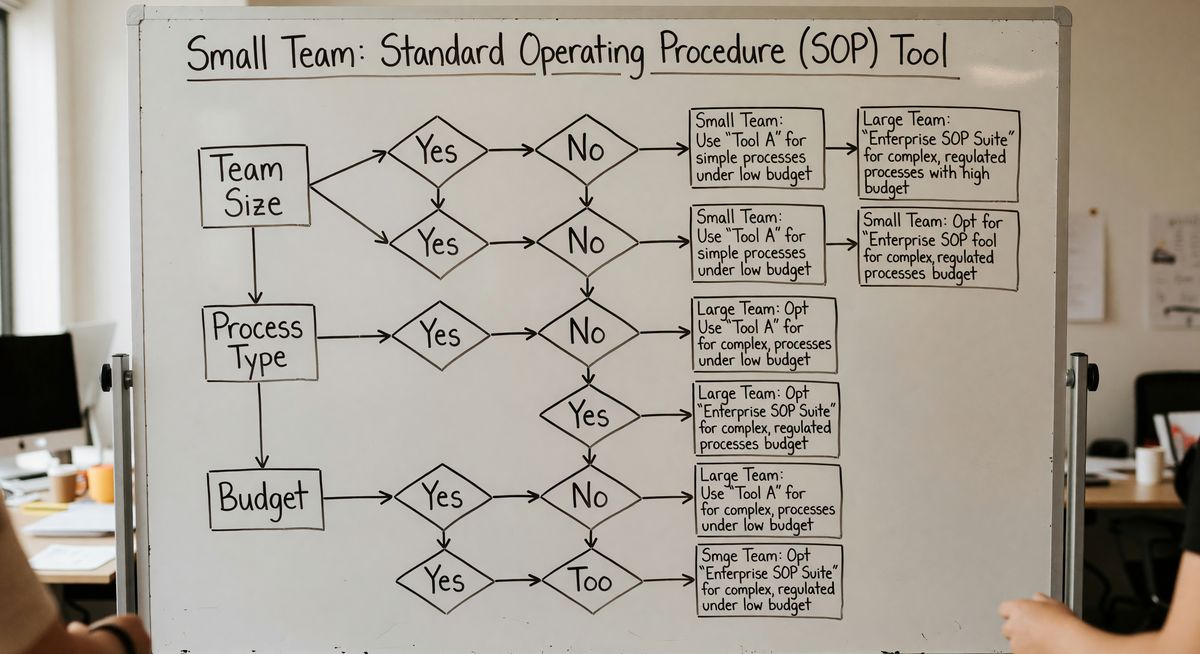
First, are your processes physical or digital? If you need to document what happens on a screen, Scribe or Tango are fast and cheap. If you need to document what happens on the floor, you need something else.
Second, what's your team size? SweetProcess's flat-rate model wins if you have more than 10 people. Trainual makes sense if training and testing are priorities. Dozuki makes sense if you're running a large-scale operation with compliance needs.
Third, do you actually have time to build SOPs? A tool like BoFlow or Scribe cuts creation time dramatically because they generate content from a recording. A tool like SweetProcess or Trainual requires you to write everything yourself.
Don't pick a tool and then never build the SOPs. That's the most common mistake. The best SOP software is the one your team will actually use.
What Should a Warehouse SOP Include?
A good warehouse SOP includes the process name, the role responsible, the equipment or tools needed, numbered steps with photos, and any safety or compliance notes.
Keep steps short. One action per step. "Pick up the scanner" is one step. "Pick up the scanner, turn it on, and scan the barcode" is three steps. Break it down. Workers follow steps in sequence, and long compound steps get skipped or misread.
Photos matter. A lot. Especially for workers who aren't native speakers of the document language. A photo of the right shelf location or the correct label placement removes ambiguity. Tools like BoFlow capture these automatically from your video. Other tools require you to add them manually.
Version your SOPs. When a process changes, update the doc. If you've printed and posted QR codes, make sure the link points to the updated version, not an old PDF sitting on a share drive.
FAQ
What's the best SOP software for warehouses? The best tool depends on your process type. For physical floor processes, BoFlow or Dozuki work well. For documenting warehouse software, Scribe or Tango are faster and cheaper. There's no single winner for every warehouse.
How long does it take to create a warehouse SOP? With a text-based tool, expect 1 to 3 hours per SOP depending on complexity. With a video-capture tool like BoFlow, you can go from recording to a draft SOP in under 10 minutes. The creation method matters as much as the tool.
What's the difference between an SOP and a work instruction? An SOP covers a broader process, like how to handle inbound shipments. A work instruction covers a specific task within that process, like how to label a pallet. In practice, many warehouse teams use the terms interchangeably.
Do I need SOP software or can I just use Word and Google Docs? You can start with Word or Google Docs. Many teams do. The problem is version control, access on the floor, and tracking whether workers have actually read them. SOP software solves those problems. If your current system isn't breaking, don't fix it. If it is, that's when purpose-built software earns its cost.
Is SOP software worth it for a small warehouse team? Yes, if you're onboarding new staff regularly or if errors keep happening on the same processes. A small team with 5 well-documented SOPs performs better than a large team guessing at procedures. Start with a free plan and see what you actually use before paying.
How do I get my warehouse team to actually follow SOPs? Post them at the point of work. QR codes on equipment or workstations work well. Make SOPs short enough to read in 2 minutes. Involve the workers who do the job in creating the SOP. People follow processes they helped build more than processes handed down from above.