
What Does "Free SOP Generator" Actually Mean in 2026?
Most "free" SOP tools aren't free. They're free trials, freemium traps, or stripped-down versions designed to frustrate you into paying.
That's not cynicism. That's just how SaaS works. And if you're an ops manager trying to document 40 processes on a tight budget, you need to know exactly what you're getting before you spend three hours building SOPs in a tool that locks them behind a paywall.
Here's what's actually available, what's actually free, and what each tool is actually good for.
Is There a Truly Free SOP Generator?
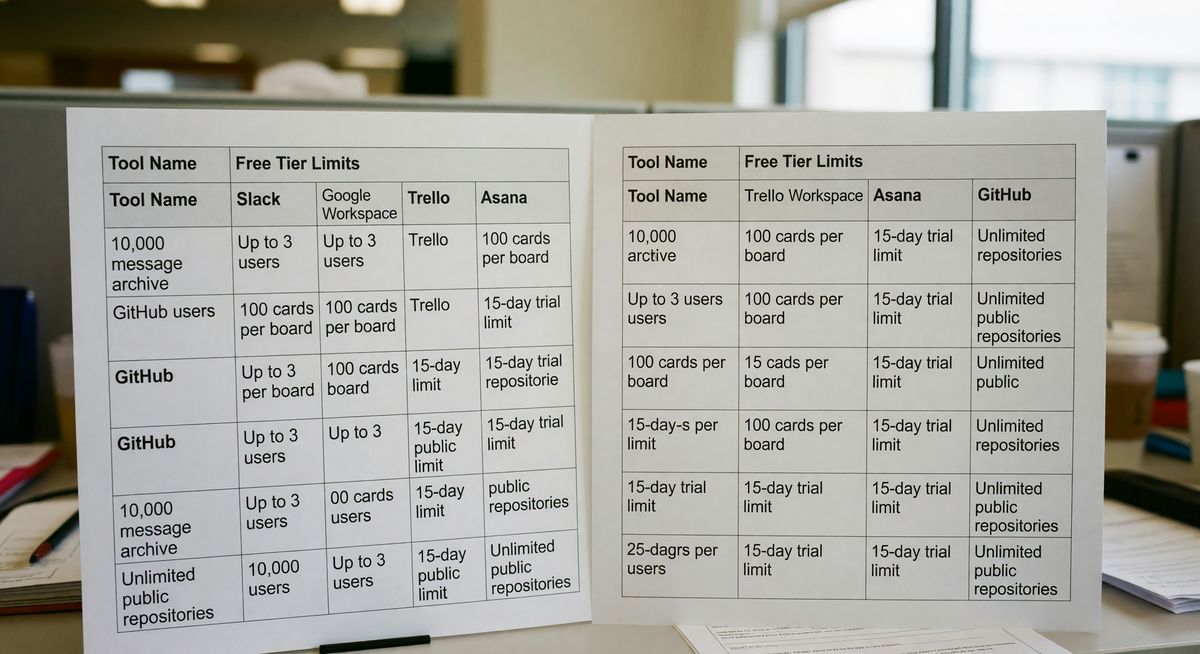
A truly free SOP generator exists, but it almost always limits either the number of documents you can create or the features you can access.
Two tools offer something genuinely free without a credit card. Google Docs and Notion. Neither was built for SOPs specifically, but both let you create unlimited documents at no cost. The catch is that "free" here means "you do all the work yourself." There's no AI. No auto-formatting. No step detection. You're writing every word from scratch.
Everything else on this list is either freemium (free forever but capped) or a free trial (free for 7-30 days, then you pay or you're out).
What Is Whale's AI SOP Generator and Is It Free?
Whale offers an AI-assisted SOP generator inside its broader process documentation platform. It's not free, but it does offer a trial period.
Whale is built for knowledge management across teams. You can paste text or describe a process and Whale's AI will generate a draft SOP for you. It's genuinely useful for office-based processes. Writing a customer onboarding SOP? Good fit. Documenting a physical picking process in a warehouse? Less so. The AI generates text, not visual step-by-step guides based on what actually happens on your floor.
Pricing starts around $100/month for small teams. The free trial runs 14 days. After that, you pay or you export what you've built and leave.
Honest take: Whale is a solid tool for HR and ops teams in office environments. For frontline or physical operations, you'll hit its limits fast.
What Does BoFlow's Free Tier Actually Include?
BoFlow's free tier gives you 2 complete SOPs at no cost, no trial clock, no credit card required.
The way BoFlow works is different from most tools here. You record a short video on your phone showing the actual physical process. Walk the line. Show the machine steps. Record the packing sequence. BoFlow's AI watches the video and builds the SOP automatically, complete with screenshots pulled from your footage and numbered steps.
Two free SOPs is a real limit. But it's enough to test whether the output actually works for your team. If you're in warehousing, manufacturing, food service, or logistics, the free signup takes two minutes and you'll have your first SOP done in under 20.
The Pro plan is EUR 4.99/month and covers up to 10 team members, PDF export, QR codes your workers can scan on the floor, and run sheet checklists. EU data hosting in Germany if that matters for your compliance requirements.
Does Process Street Have a Free Plan?
Process Street has a free plan, but it's heavily restricted and mainly useful for solo users testing the platform.
The free tier lets one user run checklists and build basic workflows. As soon as you need to add a second team member or access reporting, you hit the paywall. The paid plans start around $100/month for five users.
Process Street is genuinely good at what it does. It's a workflow and checklist tool more than a pure SOP generator. You build the process once, then run it as a checklist each time a task needs completing. That's useful for recurring admin processes like employee onboarding or month-end reporting.
For a team of one trying to get organized, the free tier works. For any real team operation, it's a 14-day introduction to the paid product.
Is SweetProcess Actually Free?
SweetProcess offers a 14-day free trial with full access. There's no free tier after the trial ends.
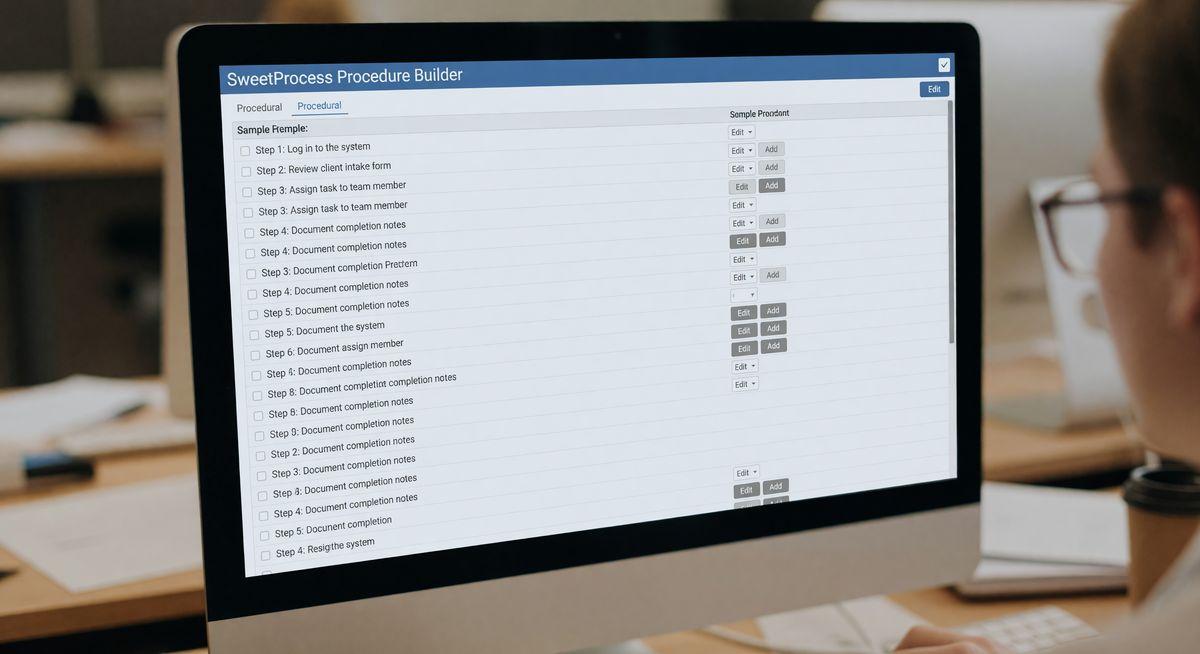
SweetProcess is one of the cleaner SOP tools for small operations teams. The interface is simple. You can build procedures, policies, and process documents, then assign them to team members. It's not AI-heavy but it's well-organized.
After 14 days, pricing starts at $99/month for up to 20 active members. That's not cheap for a small operation. But if you have an ops team of 8-15 people and you need structured procedures with accountability, SweetProcess is worth a look.
Don't expect the trial to be unlimited. You get 14 days to build your SOPs and evaluate whether the platform fits before committing.
Can You Use Google Docs or Notion as a Free SOP Generator?
Google Docs and Notion are free forever and work well for SOPs if you're willing to build everything manually.
Both tools are free for individuals and small teams. Notion's free plan supports up to 10 guest collaborators. Google Docs is unlimited. Neither charges for basic document creation and sharing.
The limitation isn't cost. It's time. You're writing every step yourself, formatting manually, and updating documents by hand whenever a process changes. No AI assistance. No automatic screenshot capture. No version tracking tied to actual process runs.
For teams just starting to document their operations, this is a completely reasonable starting point. Grab a free SOP template and build your first few in Docs. Once you're spending more than 2-3 hours a week maintaining documentation, the time cost alone justifies looking at purpose-built tools.
Which Free SOP Tool Is Right for Your Operation?
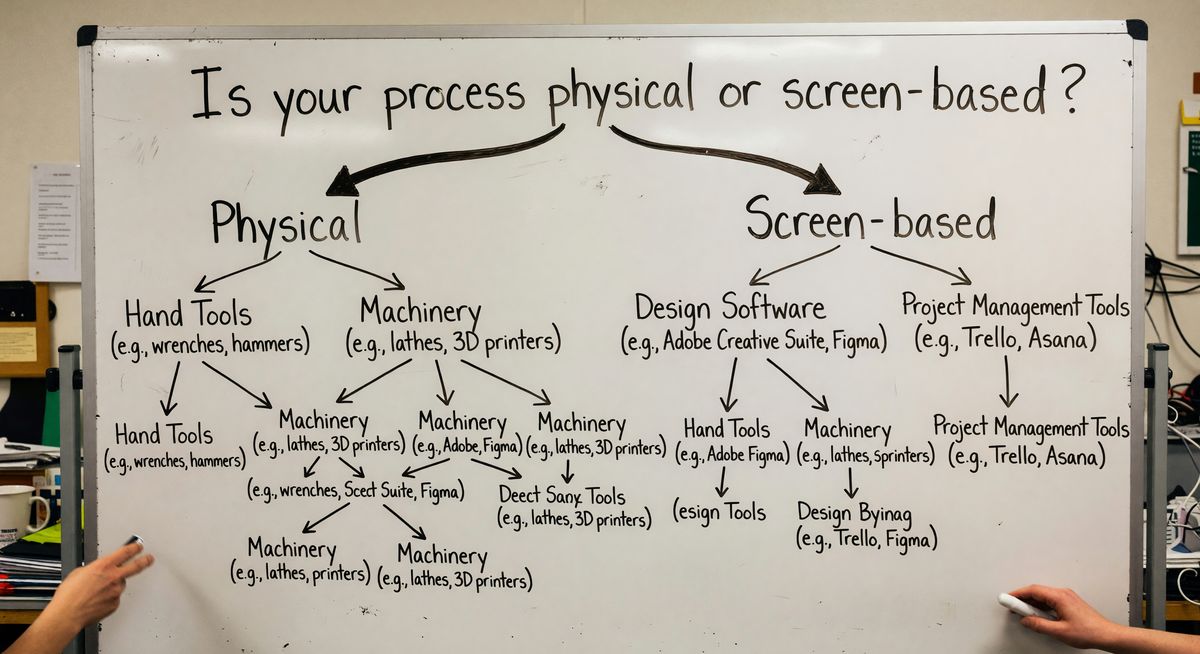
The right free SOP tool depends entirely on whether your processes happen on a screen or in the physical world.
Screen-based processes. Software walkthroughs, digital workflows, admin procedures. Tools like Notion or Google Docs work fine. Scribe and Tango (not covered here but worth knowing) handle screen capture automatically.
Physical processes. Assembly lines, warehouse picking, kitchen prep, machine operation. You need something that captures what actually happens in the real world, not just what someone types. That's where video-based tools like BoFlow make more sense than text editors.
Here's the honest summary:
Truly free forever: Google Docs, Notion, BoFlow (2 SOPs)
Freemium but limited: Process Street (1 user only)
Free trial only: Whale (14 days), SweetProcess (14 days)
Pick the one that matches how your processes actually work. Don't pick based on the longest trial period.
FAQ
What is a free SOP generator? A free SOP generator is a tool that helps you create standard operating procedures at no cost. Some are free forever with usage limits, others are time-limited trials that require payment after 7-30 days.
Can I create SOPs for free in Google Docs? Yes. Google Docs is completely free and lets you create unlimited SOP documents. You write and format everything manually. There's no AI assistance or automatic step detection.
What's the difference between a free tier and a free trial? A free tier is a permanent plan with limited features or usage caps. A free trial gives you full access for a set period, then requires payment. BoFlow's 2-SOP limit is a free tier. SweetProcess and Whale offer free trials only.
Is Whale's SOP generator free? Whale offers a 14-day free trial with full access to its AI SOP features. After 14 days, you need a paid subscription starting around $100/month. There's no permanent free plan.
Which free SOP tool is best for warehouse or manufacturing operations? For physical operations where you need to document what happens on the floor, video-based tools work better than text editors. BoFlow's free tier (2 SOPs) lets you record your process on a phone and get an AI-generated step-by-step doc with screenshots. See the warehousing and manufacturing use cases for specifics.
How many SOPs can I create for free with BoFlow? BoFlow's free plan lets you create 2 complete SOPs with no time limit and no credit card required. The Pro plan at EUR 4.99/month removes that cap and adds team management, PDF export, QR codes, and run sheet checklists for up to 10 team members. Check the full pricing page for details.