
Scribe Is Great. Just Not for What You Do.
Scribe captures your screen. It watches your mouse click through software, records each step, and spits out a formatted doc in seconds. For onboarding people to a new CRM or walking someone through an IT process, it's genuinely good at that job.
But you're not documenting software.
You're documenting how to load a pallet correctly. How to prep a station before a shift. How to inspect a product coming off a line. Those processes don't happen on a screen. They happen with hands, tools, and bodies moving through physical space. And Scribe can't see any of that.
So if you've tried Scribe and hit that wall, here are five tools that actually work for physical process documentation.
What Should a Scribe Alternative for Physical Processes Actually Do?
A good Scribe alternative for physical work captures real-world steps, not software clicks, and turns them into clear instructions your floor team can follow without asking questions.
That's the bar. The tool needs to work where your processes live. A warehouse floor. A kitchen. A factory line. A maintenance bay. The output needs to be clear enough that a new hire can follow it without standing next to someone experienced.
Keep that in mind as you read through these options.
1. BoFlow, Video to SOP in Minutes for Physical Teams
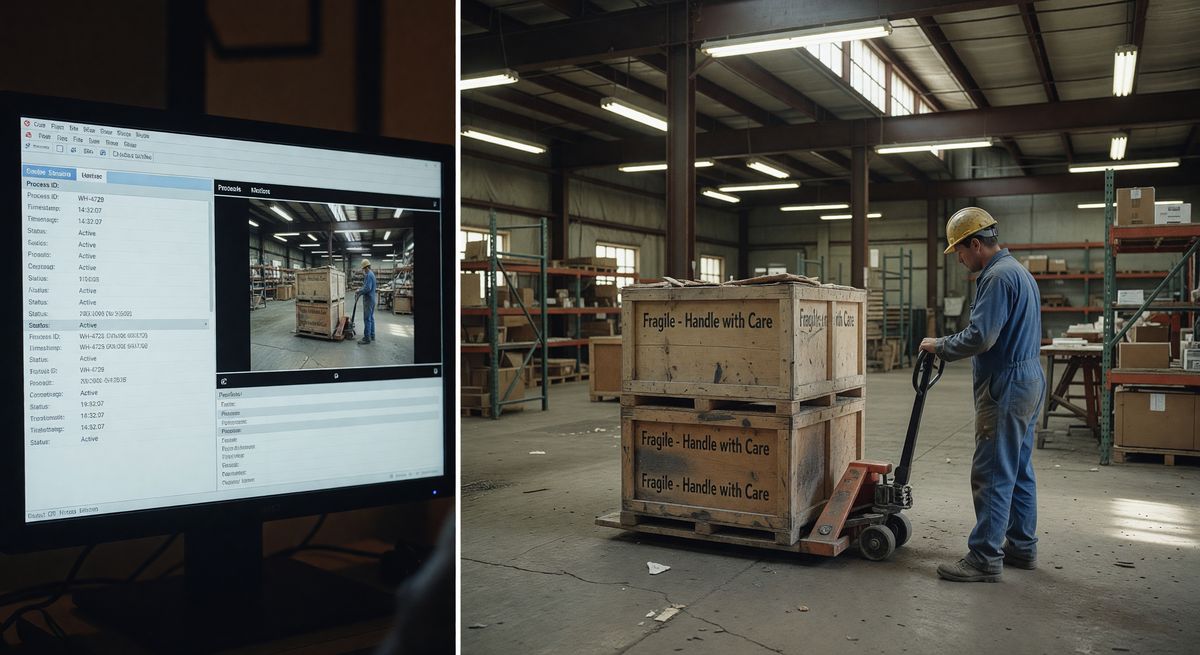
BoFlow is built specifically for this problem. You record a short video on your phone, showing the physical process step by step. The AI watches the video, detects the steps, pulls screenshots from the right moments, and builds a formatted SOP doc automatically.
No typing. No screenshotting. No formatting.
The output includes numbered steps, screenshots at each stage, and a run sheet checklist your workers can actually tick off. You can export to PDF, generate a QR code (print it, stick it on the machine or shelf), and manage which team members have access to which docs.
It's priced at EUR 4.99 per month for teams up to 10 people. There's a free tier that gives you 2 SOPs to test it. Servers are based in Germany, so it's GDPR compliant, which matters if you operate in Europe.
The AI step detection isn't perfect. If your video is shaky or the lighting is bad, it'll miss steps. Film slowly and clearly and it works well.
See how BoFlow works for warehouse teams
2. Dozuki, the Industrial Standard for Work Instructions
Dozuki is built for manufacturing. It's been around since 2011 and powers documentation for companies like iFixit. The tool follows a structured format with numbered steps, images, and notes.
The learning curve is real. Dozuki is powerful but it takes time to set up properly. You'll build templates, configure your team structure, and upload photos manually. It's not a grab-your-phone-and-go tool.
Pricing starts around $300/month, so it's aimed at mid-to-large manufacturers with dedicated ops or quality teams. If you're a 10-person warehouse, it's overkill.
Where Dozuki wins is compliance. It has version control, approval workflows, and analytics showing which procedures workers actually completed. If you're in a regulated industry (aerospace, automotive, medical), those features matter a lot.
3. SwipeGuide, Visual Step-by-Step Instructions for Frontline Workers
SwipeGuide focuses on frontline worker experience. The idea is simple: workers follow instructions on a tablet or phone, one step at a time, with images or short videos at each step.
It's clean. Easy to follow on the floor. Workers don't need to scroll through a PDF or squint at a printed sheet.
Creating content in SwipeGuide takes more effort than it looks. You're still manually uploading photos, writing step text, and organizing guides. There's no AI that watches a video and builds the steps for you.
Pricing isn't listed publicly. You need to book a demo, which usually means it's built for larger enterprise teams.
Good fit if you've got a dedicated content creator who can spend time building proper guides. Not the right pick if you need to document 50 processes by Friday.
4. Whale, SOP and Training Tool for Growing Businesses
Whale markets itself as an SOP and training platform for scaling businesses. It's less industrial and more general ops. You'll find it used in franchises, multi-location restaurants, and service businesses.
The editor is clean and easy to use. You can add images, videos, embed external content, and organize everything into a knowledge base. It also has a training module so you can turn SOPs into onboarding flows.
The physical process documentation experience is basic compared to tools built for manufacturing. You're still doing the work yourself. Take photos, upload them, write the steps. The platform organizes and distributes them, but it doesn't generate anything.
Pricing starts around $99/month. Free trial available.
Whale is a good choice if you need both SOPs and a lightweight LMS in one tool. It's not great if you want AI to do the heavy lifting on content creation.
5. Manual Video Plus Google Docs, the Zero-Budget Option
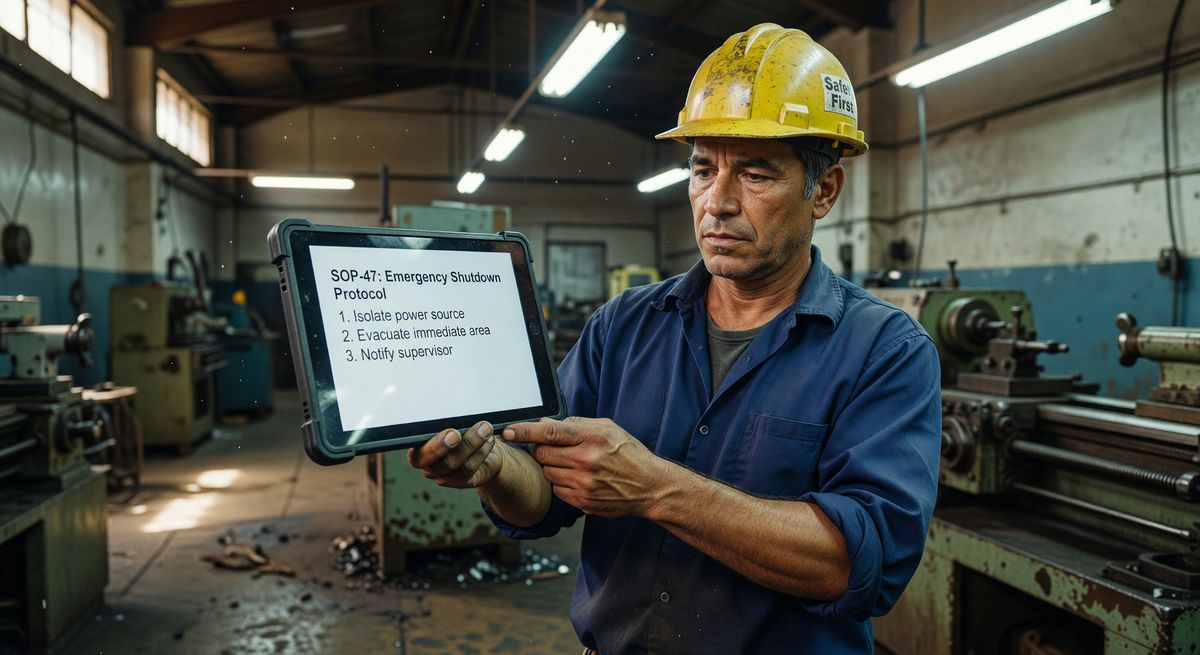
Don't underestimate this one. Film the process on your phone. Watch it back. Write the steps in a Google Doc. Screenshot the video at each step and paste the images in.
It works. And it costs nothing.
The honest downside is time. Creating one SOP this way takes 45 minutes to an hour. If you have 20 processes to document, that's a full week of work. And when the process changes, someone has to manually update the doc.
But if you have one or two processes that need to be written down, your budget is zero, and you just need something done this week, this is completely valid.
Google Docs also integrates with everything. You can share a link, embed it in Notion, print it, put it in a binder. Simple tools sometimes win.
How Do These Tools Compare Side by Side?
Here's a straight comparison on the things that matter most for physical process documentation.
BoFlow. Records video, AI builds the SOP. Fast. Cheap. Best for small to mid-size teams who need speed.
Dozuki. Manual content creation. Rich compliance features. Built for regulated manufacturing. Expensive.
SwipeGuide. Manual content creation. Excellent worker-facing experience on mobile. Enterprise pricing.
Whale. Manual content creation. Good for combining SOPs and training. Mid-market pricing.
Manual video and Google Docs. Manual everything. Free. Slow. Works fine for one-off docs.
The pattern you'll notice: most tools still require you to do the manual work of writing and uploading. AI-assisted creation is still rare in this category. That's the main thing BoFlow does differently.
Explore BoFlow's pricing and free tier
FAQ
Can Scribe document physical processes? No. Scribe captures on-screen activity only. It records mouse movements and clicks in software. It can't capture physical work happening off-screen.
What's the best tool for documenting warehouse procedures? BoFlow and Dozuki are both built for physical processes. BoFlow is faster and cheaper for small teams. Dozuki fits larger manufacturers who need compliance and version control.
How long does it take to create a physical process SOP? With video-based AI tools like BoFlow, under 10 minutes per SOP. With manual tools like Dozuki, SwipeGuide, or Whale, expect 30 to 60 minutes per procedure depending on complexity.
Do I need special equipment to document physical processes? No. A smartphone with a decent camera is enough. Film the process clearly with good lighting and the documentation is much easier to create.
Is there a free Scribe alternative for physical processes? BoFlow has a free tier that covers 2 SOPs. The manual video plus Google Docs approach is completely free. Whale and SwipeGuide both offer trials but require paid plans for ongoing use.
What format should physical process SOPs be in? PDF with images works well for printing and QR code access on the floor. Numbered steps with one image per step is the clearest format for workers to follow without stopping to re-read.