
Most Warehouse SOPs Live in Someone's Head. That's a Problem.
When your best receiver calls in sick, does the next person actually know the process? Or do they just wing it and hope for the best?
That's the gap SOPs are supposed to fill. But most warehouses either don't have them written down, or they've got a dusty binder nobody reads. Neither works.
Below are 12 SOP outlines you can copy today. These aren't fancy. They're numbered steps, written plainly, for real warehouse processes. Take them, paste them into a doc, add your specifics, and you've got working SOPs.
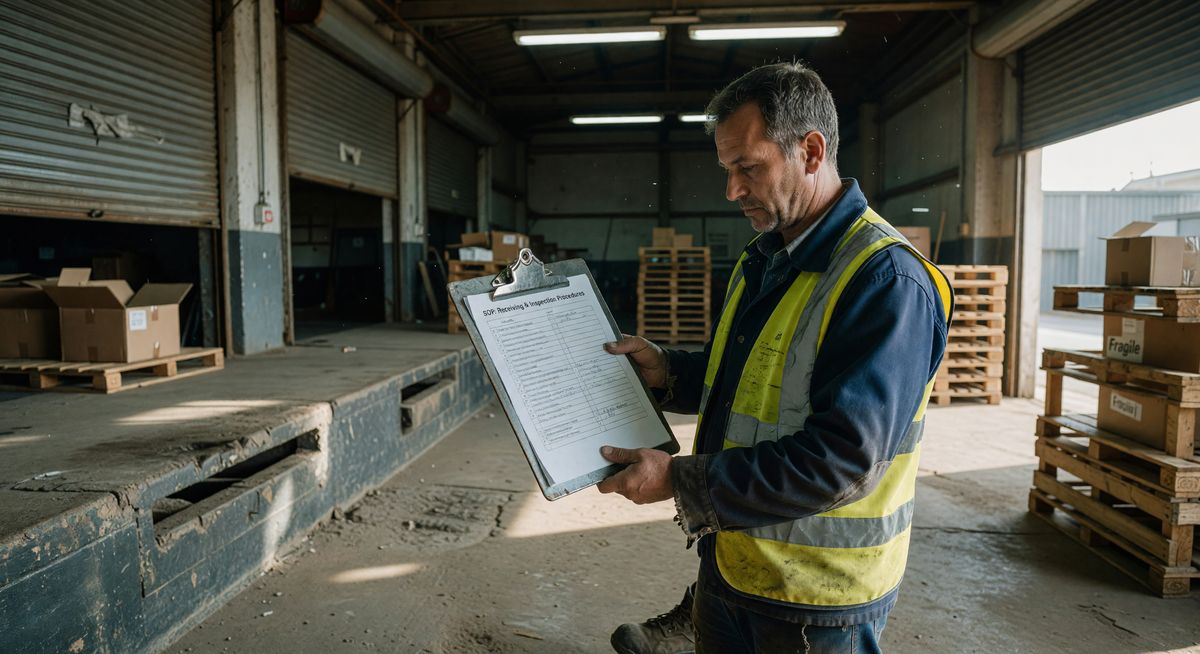
What Should a Warehouse SOP Template Include?
A warehouse SOP template should include a title, purpose statement, the role responsible, required equipment, and numbered steps written in plain language anyone can follow.
Keep it simple. An SOP nobody reads is worse than no SOP. One page is fine. Two pages is fine. Anything longer and you're writing for yourself, not your team.
1. Receiving SOP Template
Purpose. Make sure every inbound shipment is checked, counted, and recorded correctly before it hits your inventory system.
Who does it. Receiving associate
Equipment needed. Pallet jack, barcode scanner, receiving stamp, computer or tablet
Steps:
- Check the delivery appointment against the schedule board.
- Inspect the truck or container seal before opening. Record the seal number.
- Count cartons or pallets on the bill of lading (BOL) and compare to what's physically on the truck.
- Note any visible damage on the BOL before signing. Take photos.
- Unload freight onto the receiving dock.
- Scan each item or pallet into the WMS.
- Compare received quantities to the purchase order.
- Flag discrepancies over 2% to the receiving supervisor immediately.
- Print and attach receiving labels.
- Move verified freight to the staging area.
- File the BOL in the day's receiving folder.
2. Putaway SOP Template
Purpose. Get inventory from the staging area into the correct bin location without errors.
Who does it. Warehouse associate
Steps:
- Pick up a putaway task from the WMS queue or paper task sheet.
- Check the item description and quantity on the task.
- Collect the correct number of units from the staging area.
- Travel to the assigned bin location.
- Confirm the bin label matches the WMS location code.
- If the bin is occupied by a different SKU, stop. Do not mix SKUs. Notify the supervisor.
- Place the item in the bin.
- Scan the bin location and item barcode to confirm putaway in the WMS.
- If no scanner is available, write the bin location on the putaway sheet and hand it to your supervisor.
- Return to the WMS queue for the next task.
3. Order Picking SOP Template
Purpose. Pull the right items in the right quantities to fill customer orders accurately.
Who does it. Pick associate
Equipment needed. Pick list or RF scanner, pick cart or pallet jack
Steps:
- Collect your pick list or accept a digital pick task.
- Check the pick list for any priority or fragile flags before starting.
- Travel to the first pick location using the route on your list.
- Confirm the location barcode matches your pick task.
- Check the item description and SKU on the shelf label.
- Pick the correct quantity. Count twice before placing in your cart.
- Scan the item barcode to confirm the pick. Or mark it off the paper list.
- If the location is empty or short, mark it as a short pick and notify your supervisor. Don't skip it silently.
- Repeat steps 3 through 8 for each line on the pick list.
- Bring completed picks to the packing station.
- Hand over the pick list for verification.
4. Packing SOP Template
Purpose. Pack orders securely so they arrive undamaged and with the correct contents.
Who does it. Pack associate
Steps:
- Receive picked items and a pick/pack list at the packing station.
- Verify items against the pack list before packing anything.
- Select the correct box size for the order.
- Line the box with appropriate dunnage (bubble wrap, foam, paper).
- Place heavier items at the bottom.
- Pack fragile items with padding on all six sides.
- Add the packing slip inside the box.
- Seal the box with two strips of tape along all seams.
- Weigh the package. Record the weight.
- Print the shipping label and attach it flat to the largest face of the box.
- Scan the package to confirm it's ready for shipment.
- Place the package in the outbound staging area by carrier.
5. Shipping SOP Template
Purpose. Get outbound orders onto the right carrier trucks with correct documentation every time.
Who does it. Shipping associate or lead
Steps:
- Sort staged packages by carrier and service type.
- Generate a carrier manifest or end-of-day shipment report from the shipping system.
- Scan each package to confirm it's on the manifest.
- Load packages onto the carrier truck or hand them to the driver.
- Get the driver's signature on the carrier receipt.
- Note any packages the driver refuses or flags as damaged.
- Close the manifest in the shipping system.
- File the signed carrier receipt in the daily shipping folder.
- Update the WMS to reflect shipment completion.
- Notify the customer service team of any exceptions or delays.
6. Returns Processing SOP Template
Purpose. Handle returned inventory consistently so you don't lose stock value or create audit problems.
Who does it. Returns associate
Steps:
- Accept the returned package at the returns desk.
- Log the return against the original order number.
- Open the package and inspect the contents.
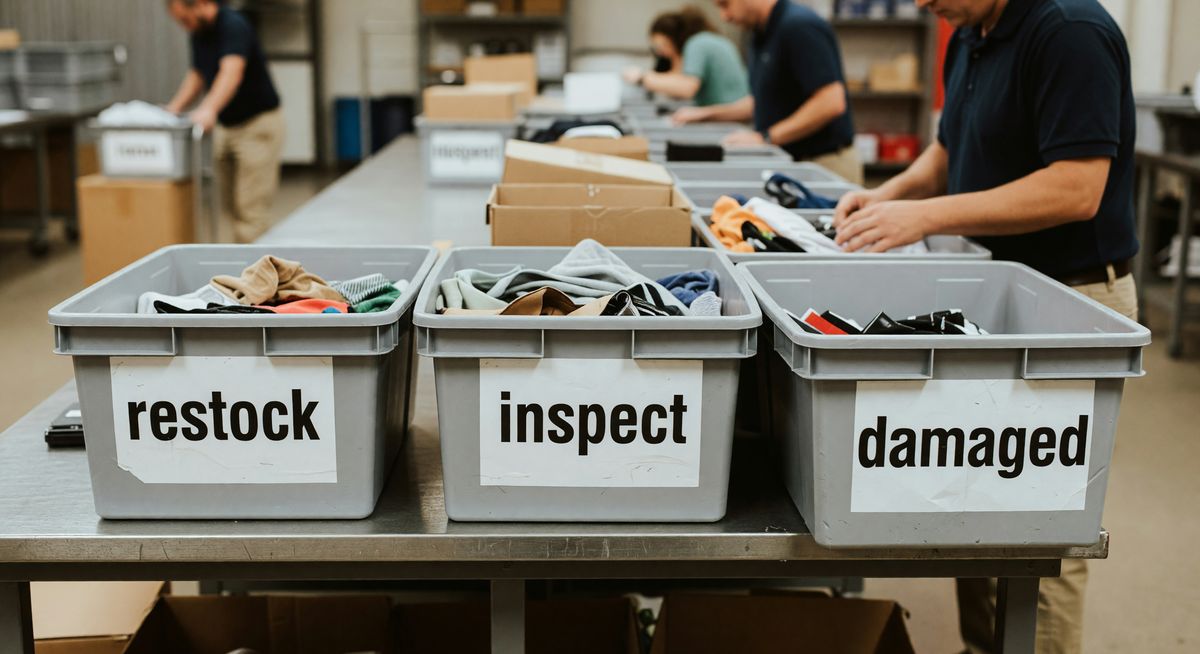
- Check item condition. Categorize as: resalable, damaged, or needs inspection.
- Compare returned items to the return authorization (RA) form.
- If items don't match the RA, set aside and notify the supervisor.
- Scan resalable items back into inventory at the correct location.
- Place damaged items in the damaged goods bin for disposal or vendor claim.
- Process the customer refund or credit in the order management system.
- Close the return record and file documentation.
7. Cycle Count SOP Template
Purpose. Count a portion of inventory on a regular schedule to catch errors before they become big problems.
Who does it. Inventory control associate or lead
Steps:
- Pull the day's cycle count list from the WMS. Don't tell pickers which zones you're counting beforehand.
- Travel to the first count location.
- Count the items physically. Don't look at the WMS count first.
- Record your count on the cycle count sheet.
- Scan the location and enter your count into the WMS.
- If your count differs from the system by more than 1 unit, recount. If still off, flag for investigation.
- Move to the next location on the list.
- After counting all locations, run a discrepancy report.
- Investigate any variances over your threshold (typically 2-3%).
- Adjust inventory in the WMS only after supervisor approval.
- File the completed cycle count sheet.
8. Forklift Pre-Operation Inspection SOP Template
Purpose. Catch equipment problems before they cause injuries or damage. OSHA requires pre-shift forklift inspections.
Who does it. Forklift operator
Steps:
- Check that you have a valid forklift certification on file before operating.
- Walk around the forklift. Look for fluid leaks, damage, or missing parts.
- Check the tires. No flats, cuts, or excessive wear.
- Check the forks for cracks, bends, or uneven height.
- Check the mast chains. Properly lubricated, no visible damage.
- Test the horn. Must be audible.
- Test the lights and any warning devices.
- Check fluid levels if it's the first inspection of the day (hydraulic, battery water, fuel or propane level).
- Sit in the seat. Adjust seatbelt and mirrors.
- Test the brakes at slow speed before loading anything.
- If any defect is found, tag the equipment as out of service and notify the supervisor. Don't operate a defective forklift.
- Sign and date the pre-op inspection form.
9. Hazardous Materials Handling SOP Template
Purpose. Handle hazmat shipments safely and in line with DOT and OSHA regulations.
Who does it. Trained hazmat-certified associate only
Steps:
- Confirm the associate handling the shipment has current hazmat training certification.
- Identify the hazmat class from the shipping label or SDS (Safety Data Sheet).
- Locate the SDS for the specific material before handling.
- Put on required PPE as specified by the SDS. Gloves and eye protection minimum.
- Inspect the package for leaks, damage, or improper labeling.
- If the package is damaged or leaking, do not move it. Evacuate the area and call your hazmat supervisor.
- Store the material in the designated hazmat storage area, separated by compatibility class.
- Record the hazmat receipt in the hazardous materials log.
- Ensure placards and labels remain visible and legible.
- Dispose of any damaged hazmat materials per your facility's disposal SOP.
10. Dock Loading SOP Template
Purpose. Load outbound freight safely and efficiently without damage or injury.
Who does it. Dock associate or forklift operator
Steps:
- Confirm the trailer is chocked and the dock lock is engaged before entering.
- Inspect the trailer floor for damage, moisture, or pests before loading.
- Review the load plan or BOL before moving any freight.
- Load heaviest items first, against the front wall of the trailer.
- Distribute weight evenly across the trailer floor. Don't stack all weight on one side.
- Ensure freight doesn't exceed the trailer's weight limit.
- Wrap pallets or secure loose freight with load bars or straps.
- Keep the trailer doors clear until loading is complete.
- Do a final walk-through of the loaded trailer. Check nothing is shifting or unsecured.
- Close and seal the trailer doors.
- Complete the BOL with accurate freight count and any exceptions.
- Give the driver their copy of the BOL.
11. Equipment Maintenance SOP Template
Purpose. Keep warehouse equipment running and track maintenance so nothing gets skipped.
Who does it. Equipment operator or maintenance technician
Steps:
- Check the equipment maintenance log at the start of each week.
- Identify any scheduled maintenance tasks due this week.
- Take the equipment offline during the maintenance window. Tag it out of service.
- Perform the maintenance tasks per the manufacturer's service manual.
- Replace any worn parts. Use only manufacturer-approved parts.
- Test the equipment before returning it to service.
- Log the maintenance in the equipment record. Include date, tasks completed, and parts replaced.
- Return the equipment to active service and remove the out-of-service tag.
- Report any maintenance findings that need further attention to the facilities manager.
12. Warehouse Opening and Closing SOP Template
Purpose. Start and end each shift consistently so nothing gets missed and the building is secure.
Who does it. Shift lead or warehouse supervisor

**Opening steps:
- Arrive 15 minutes before shift start.
- Disarm the security system. Record the time.
- Do a walk-through of the entire facility. Check for any overnight damage, leaks, or security issues.
- Turn on lighting for all active work areas.
- Check that all dock doors are closed and locked except those scheduled for morning deliveries.
- Review the day's shipping and receiving schedule.
- Confirm staffing against the day's schedule. Report absences to the supervisor.
- Brief the team at shift start on priorities, safety notes, and any schedule changes.
- Sign the opening checklist and post it at the supervisor station.
Closing steps:
- Confirm all outbound shipments have been picked up or scheduled.
- Ensure all received freight has been moved off the dock and into staging or putaway locations.
- Power down forklifts and plug in electric equipment.
- Do a walk-through. Check all areas are cleared of workers.
- Lock all dock doors and man doors.
- Turn off non-essential lighting.
- Set the security alarm.
- Sign and file the closing checklist.
How Do You Actually Keep Workers Following These SOPs?
The biggest failure with SOPs isn't writing them. It's getting workers to use them consistently, especially new hires.
A printed binder doesn't cut it. Workers skip steps. Pages go missing. The binder ends up on a shelf.
One approach that works is turning each SOP into a run sheet your team checks off during the task. Digital checklists tied to specific roles mean nothing gets skipped without someone noticing. BoFlow does exactly this. You record the physical process on your phone, and the AI builds the step-by-step doc for you with screenshots from the video. Then you share it with your team or post a QR code on the equipment. Workers pull it up right where they need it, not from a binder in the break room. See how it works here.
FAQ
What is a warehouse SOP template? A warehouse SOP template is a pre-built document structure that outlines the steps for a specific warehouse task. You fill in your specific details, equipment, and policies to make it your own.
Are these warehouse SOP templates really free? Yes. Every template in this post is free to copy and adapt. You own what you create from them. No signup required to use the outlines on this page.
How long should a warehouse SOP be? One to two pages is the right length for most warehouse tasks. If your SOP is longer than two pages, break it into separate SOPs for each sub-process. Long SOPs don't get read.
What's the difference between an SOP and a work instruction? An SOP covers a full process with multiple steps and decision points. A work instruction usually covers one very specific task in detail, like how to operate a single machine. In practice, many warehouses use the terms interchangeably.
How often should warehouse SOPs be updated? Review each SOP when the process changes, when you get new equipment, or at minimum once per year. Date every version so you always know if someone's working from an old copy.
Who should write warehouse SOPs? The person who does the job should write the first draft. Supervisors and managers refine it. SOPs written only by management often miss steps that workers know are critical. Get your best operators involved.